
Share your logo options with friends
their vote will help you decide!
Help me pick the best logo?
Most voted by your friends
Real Logo Examples
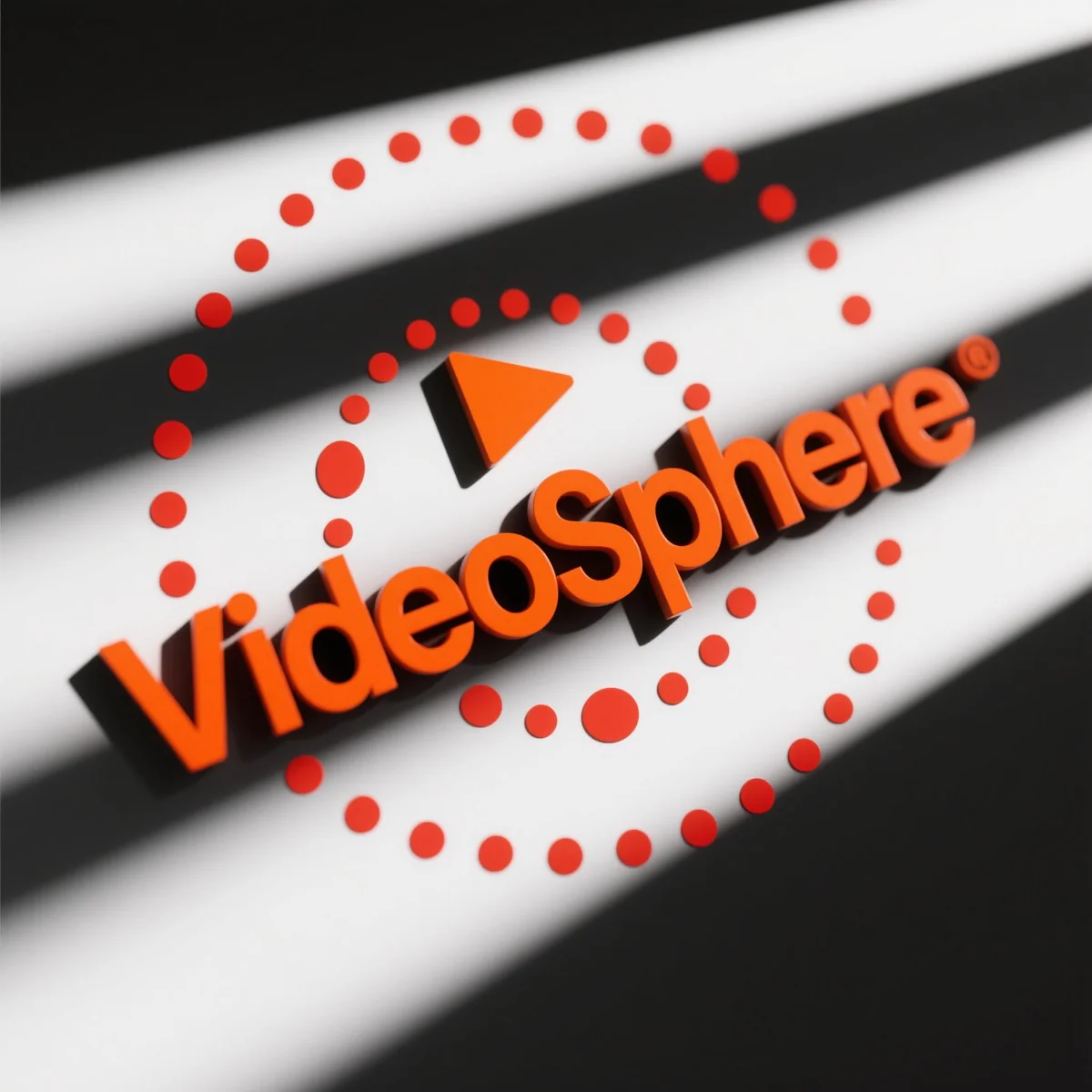
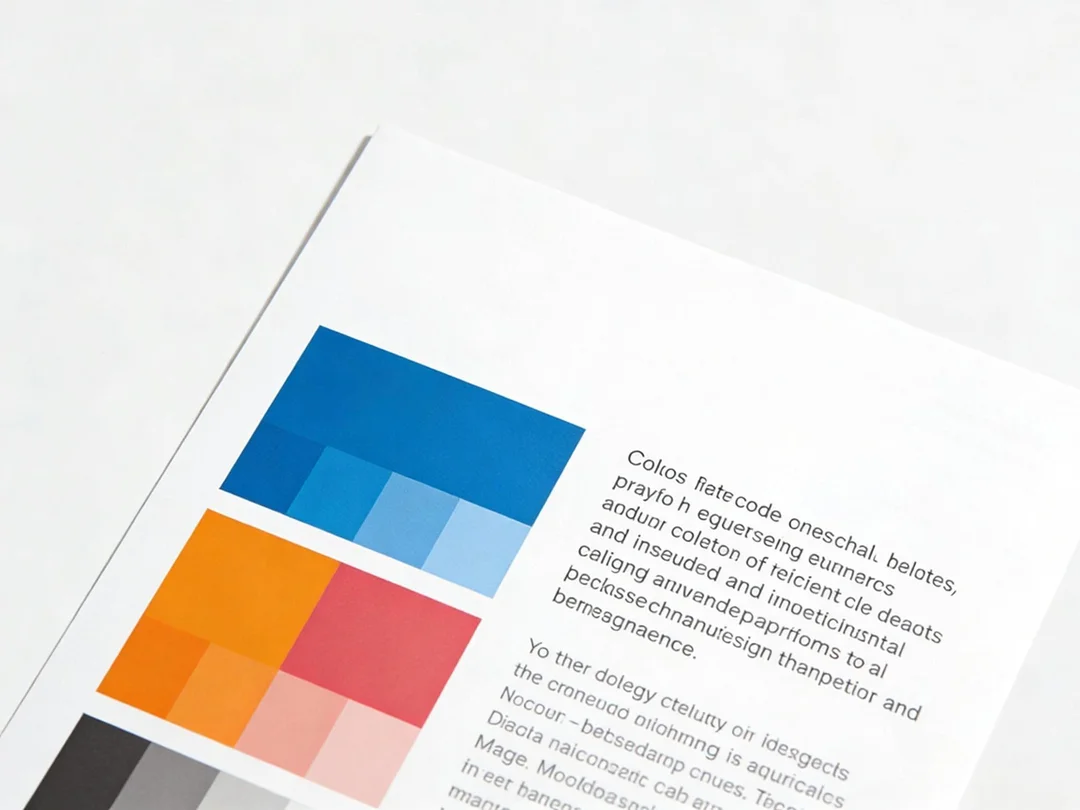
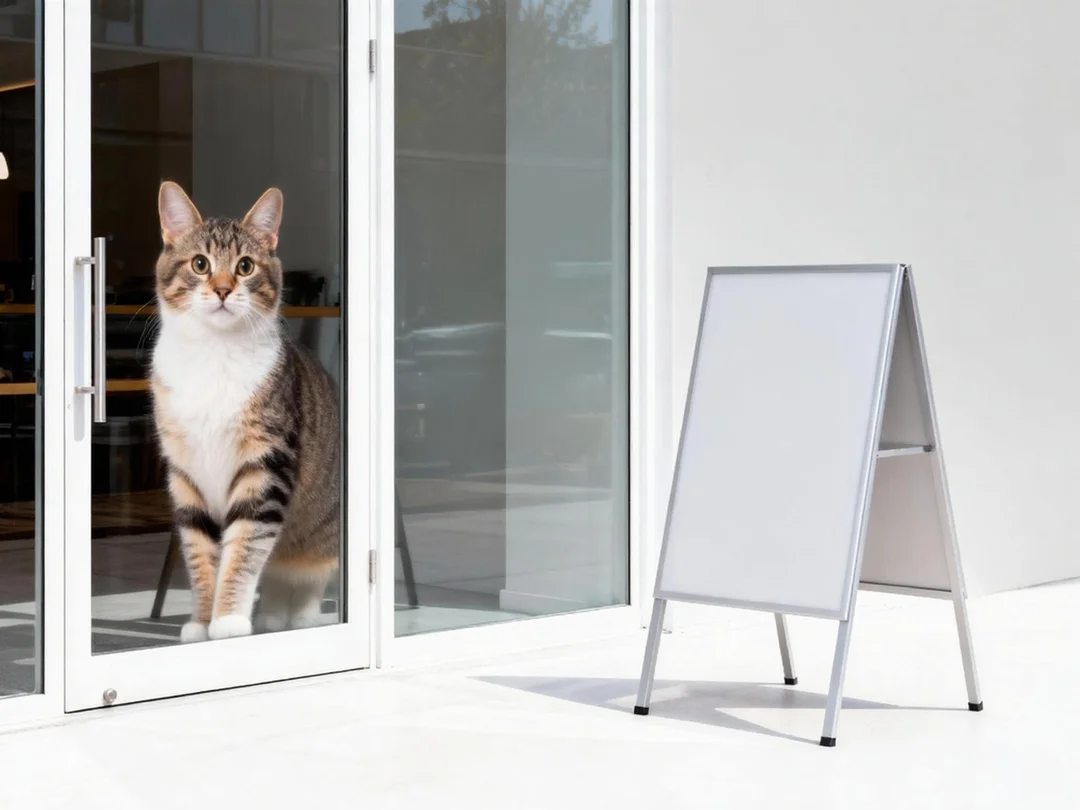
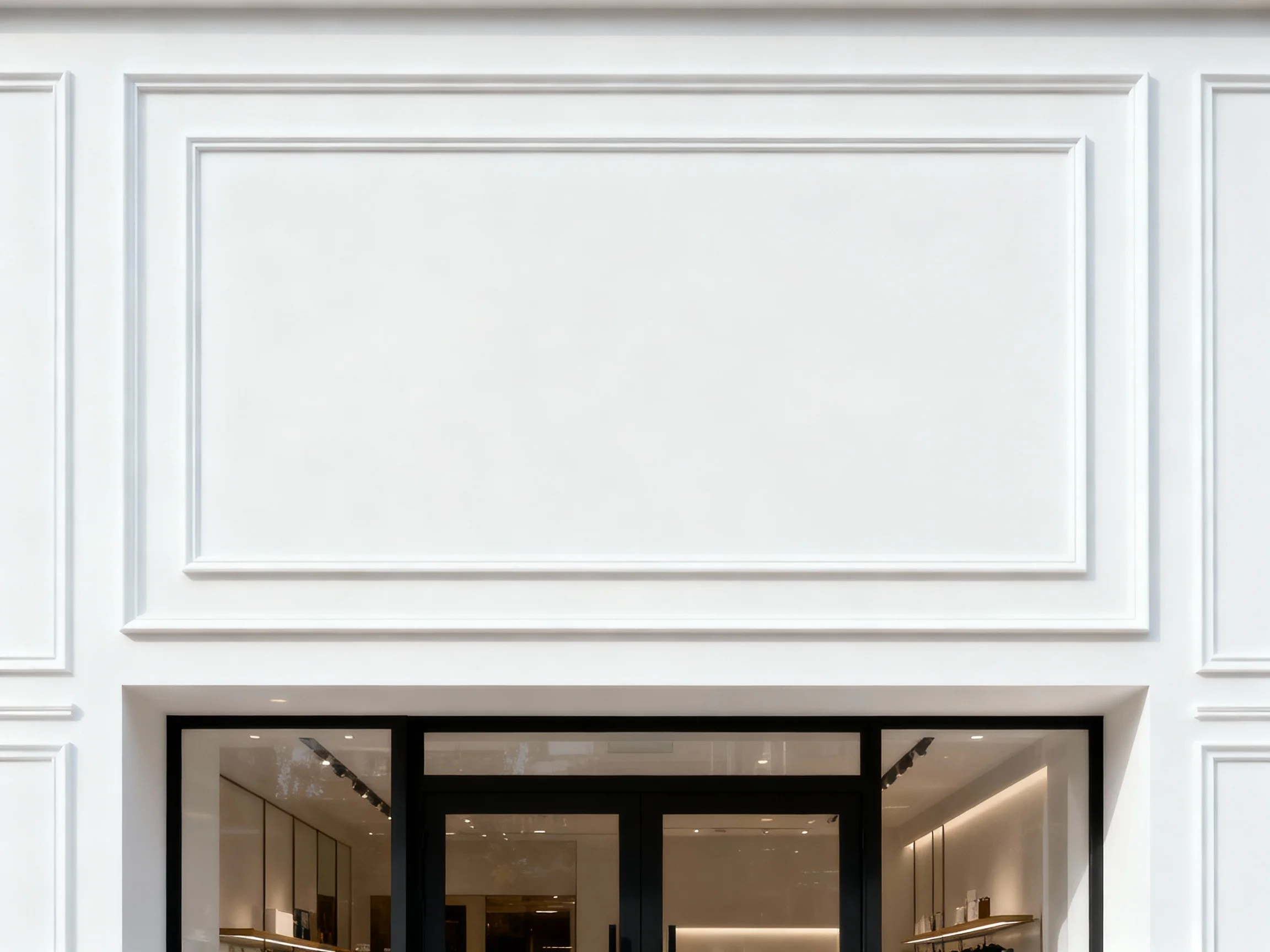
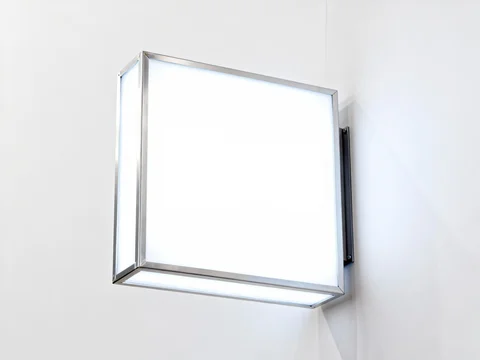
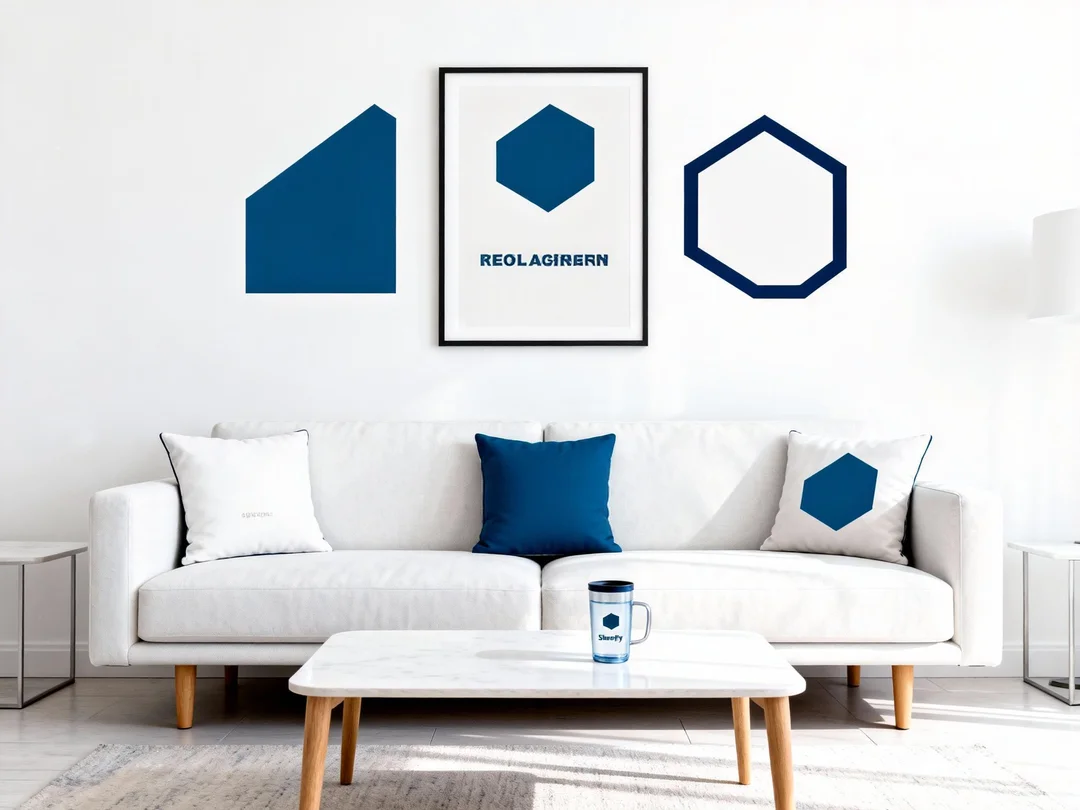
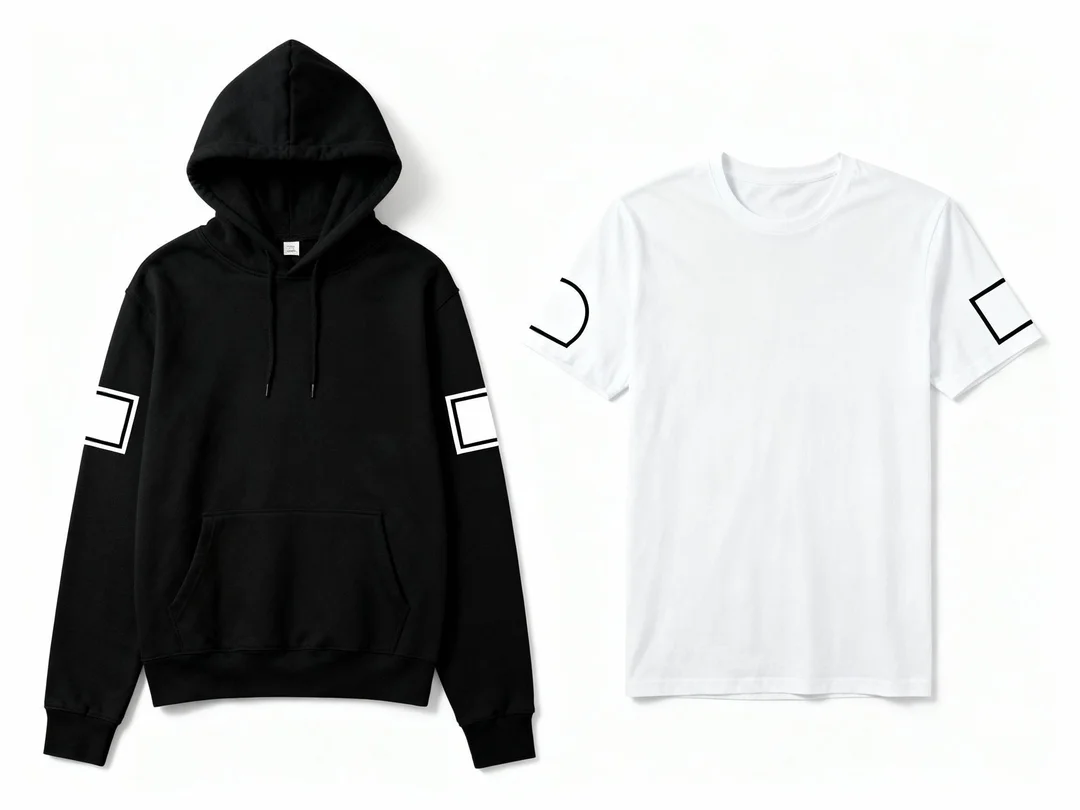
See $Xenolume used on hoodies, wall signs, and products. Simple examples help you pick the right logo and share it with your friends.


Logo Details & Insights
Explore all the key information about your logo options.
- ●Content creators and filmmakers
- ●Tech-savvy millennials
- ●Marketing professionals
- ●Digital media enthusiasts
- ●Creative agencies
Logo Prompts You Can Copy
Copy these prompts to make logos fast. Paste them and change a few words to match your brand.
Prompt 1
Minimal vector logo featuring a spherical camera lens with a play button symbol on top and text 'VideoSphere' below; clean lines and balanced negative space; vibrant primary #FF6F61 with subtle accent #4A90E2; centered layout; professional logo mark; high clarity; scalable for various applications; clean white background.
Prompt 2
Modern logo design showcasing a geometric camera lens icon on the left and text 'VideoSphere' on the right; precise vector edges; harmonious horizontal layout; bold primary color #FF6F61; soft secondary accent; clean white background; professional brand identity; no gradients; crisp and legible.
Prompt 3
Flat-style logo integrating a camera lens and play button in a cohesive badge symbol; no text; bold lines and vibrant colors; circular silhouette; clean neutral background; signage-ready; professional logo design; vector clarity; no realism or excessive details.
Prompt 4
Typography-driven logo using stylized text of 'VideoSphere' with a negative-space play button; modern sans-serif type; elegant thin strokes; centered layout; rich primary color #FF6F61; clean white background; premium brand aesthetic; vector sharpness; high-end clarity.